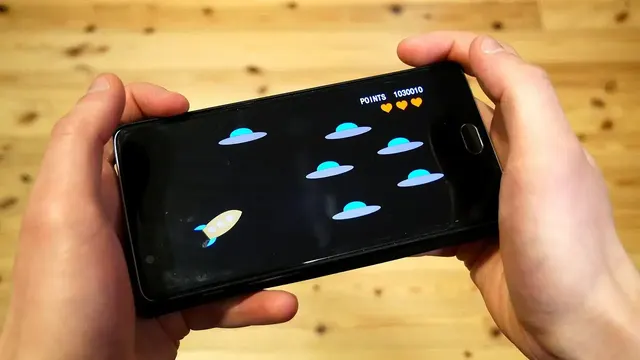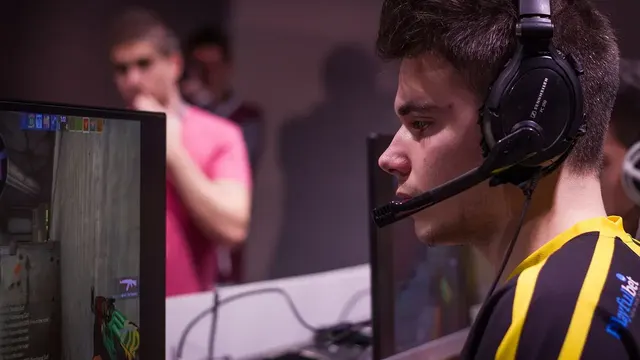

A racing game, a battle royale, and a slow strategy title ask completely different things of the same GPU, yet many players run one graphics configuration across all of them and wonder why two of the three feel wrong. Profiles exist to end that compromise: one saved, deliberate setup per game, applied in seconds. The Kaizerus GFX for Android page covers the app itself in full.
This guide covers how to think in profiles, how many you actually need, how to name and maintain them, and the mode-level refinement that separates good profiles from great ones.
Why One Profile Cannot Fit All
Games differ in pace, scene density, and what your eyes need from them. A shooter needs frame stability in crowds; a racer needs motion clarity at speed; a pretty adventure game can spend its whole budget on beauty because nothing in it punishes a dip.
A single shared profile necessarily serves the most demanding game and starves the rest, or serves the average and fails the demanding one. Profiles let each game make its own honest bargain with your hardware.
Per-Game Logic
The right settings are a property of the game plus your phone, never of the phone alone. More detail is in the Graphics Optimization Guide.
Building a Profile From Scratch
Start each new game on its own default or a sensible tier profile, play one full session, and list the two moments that bothered you: a dip, a blur, a hot phone. Adjust the one or two settings aimed at those moments, save, and name the profile for the game.
Resist tuning before the first session. Profiles built on imagined problems encode guesses; profiles built on one honest session encode your actual game on your actual phone.
- Session first, settings second
- Two complaints maximum per pass
- Save immediately after adjusting
- Name by game, not by mood
Profiles per Mode
Advanced users keep a second profile for a game's demanding mode: the crowded competitive mode gets the stability profile, while casual or story modes get the beauty profile. The switch takes seconds and each mode plays as intended.
This is where profiles pay their highest dividend, because mode differences inside one game often exceed differences between games. If you adopt only one idea from this guide, adopt the two-mode split for your main competitive title.
Naming and Notes
A profile you cannot identify is a profile you will not trust. Name clearly, and keep a one-line note with each: what it prioritizes and the phone state it assumes, such as 'ranked, cool room' versus 'casual, anywhere'.
Notes also record your reasoning for future you, who will otherwise re-litigate settled decisions after every update. Three words per profile, 'stability over beauty', preserve evenings of tuning wisdom.
Maintaining Profiles Across Updates
Game updates can shift what a profile needs; treat the first session after a big update as a verification pass, not a crisis. Most profiles survive with at most one setting nudged, provided the tool itself is current.
Keep the underlying settings written somewhere outside the app as well. Profiles are data, and data deserves the same backup respect as the photos on the same phone. Our Latest Kaizerus GFX Updates guide covers this in more detail.
Sharing Profiles With Friends
A profile that transformed your phone is a gift worth sharing, with one warning label attached: your friend's phone is not yours. Share the settings and the reasoning, and let their own session test adjust the numbers to their hardware.
Communities built on shared, explained profiles raise everyone's game. Communities built on copied screenshots raise everyone's confusion. Be the first kind of friend.
Kaizerus GFX Within the Gaming Ecosystem
Profiles are where the ecosystem becomes personal: every guide below contributes one ingredient to the saved setups this article teaches you to build and keep.
- What Is Kaizerus GFX APK
- Graphics Optimization Guide
- FPS Boost Guide
- Graphics Settings Explained
- Game Performance Optimization
- Device Compatibility Guide
- Download & Install Guide
- Latest Updates
- Safety Guide
- Common Errors & Fixes
- Gaming Performance Tips
- Supported Game Versions
- Frequently Asked Questions
- Features & Benefits
Rather than functioning independently, these connected topics create a complete Android gaming optimization ecosystem where graphics configuration, FPS optimization, performance tuning, device compatibility, and supported game versions work together to deliver smoother gameplay.
Conclusion
Profiles turn Kaizerus GFX from a settings page into a library of right answers: one per game, two for the game you take seriously, each built from a real session and labelled with its intent. The compromise of the single shared setup simply evaporates.
Build them slowly, one honest session at a time, and maintain them lightly after updates. A year from now your profile list will read like a diary of how you learned your phone, and every game you open will start exactly where it should.