
Download Kaizerus GFX APK
Download the latest Kaizerus GFX APK to optimize graphics settings, improve FPS stability, and enhance Android gaming performance on supported devices, with profiles you can tune per game.
Wait for the preparation process to complete, then use the download button below to get the APK file, and follow the installation steps on this page to set it up safely.
APK File
kaizerus-gfx-1-1-0.xapk
Version v1.1.0
Preparing your download
Preparing download...
Your download is ready
Download APK (~20.2 MB)- App Name
- Kaizerus GFX
- Version
- v1.1.0
- Size
- 20.2 MB
- Platform
- Android 8.0+
- Package Name
- com.kaizerus.visualcore
- Developer
- Vinzz
Installation Steps
- 1
Step 1
Download the latest Kaizerus GFX APK file from this page.
- 2
Step 2
Locate the downloaded file in your device Downloads folder.
- 3
Step 3
Allow installation from your browser or file manager if Android requests permission.
- 4
Step 4
Open the APK and complete installation.
- 5
Step 5
Launch Kaizerus GFX and configure graphics settings before starting your game.
Download FAQ
Use the download button on this page and wait for the preparation process to finish, then open the downloaded file. If Android asks, allow installation from your browser or file manager for this one install, then follow the on-screen prompts until Kaizerus GFX appears in your app drawer.
The file size is 20.2 MB, exactly as listed in the app information on this page. Leave a little extra free space on your phone so the installation can complete without errors.
This page lists version v1.1.0, the version shown in the app information above. When a newer build is tested and listed, this page is updated so the version, size and download always match.
Kaizerus GFX runs on Android 8.0 and above, as shown in the platform row of the app information on this page. Newer phones generally hold steadier frame rates when graphics settings are pushed higher.
Yes. The Kaizerus GFX APK on this page is free to download, and the version, size and file details are listed in the app information above so you know exactly what you are getting before you install.
Come back to this page, download the newest listed version and install it over your current copy. Installing over the existing app updates it in place, and your saved profiles and settings carry across.
Latest Guides
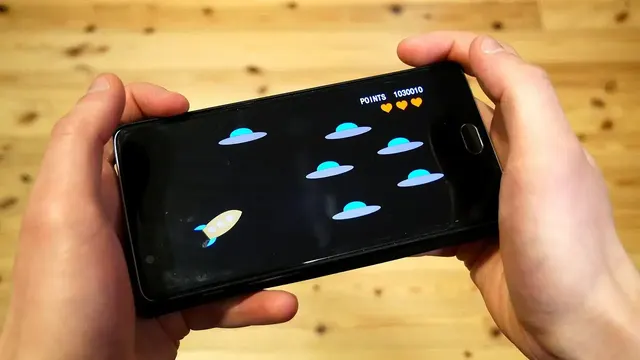
Best Kaizerus GFX Settings for Free Fire
Find the best Kaizerus GFX settings for Free Fire on Android. Balanced graphics, FPS, and resolution choices for low-end, mid-range, and flagship phones explained clearly.
Read Guide
Kaizerus GFX for Low-End Devices: 2GB and 3GB RAM Phones
Make games playable on low-end Android phones with Kaizerus GFX. Realistic settings for 2GB and 3GB RAM devices, memory habits, and the trade-offs that buy smooth gameplay.
Read Guide
How to Reduce Lag in Free Fire with Kaizerus GFX
Reduce lag in Free Fire using Kaizerus GFX and smart device habits. Separate graphics lag from network lag, fix frame drops, and stabilize your matches on Android.
Read Guide
Kaizerus GFX Resolution Settings Explained: Which Resolution to Pick
Understand resolution settings in Kaizerus GFX. Learn how resolution affects FPS and clarity, how to match it to your screen and GPU, and the best choices per device tier.
Read Guide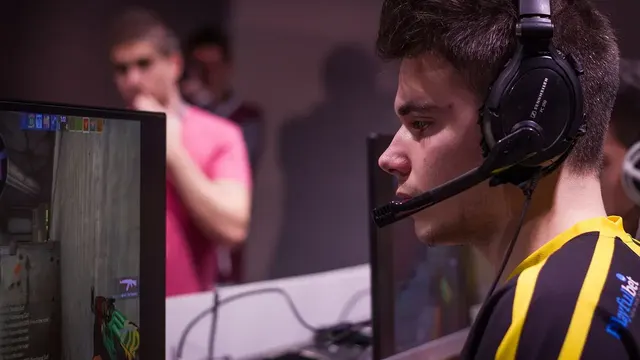
Best Sensitivity and Graphics Combo for Headshots in Free Fire
Combine the right sensitivity with the right graphics settings for cleaner headshots in Free Fire. Learn why stable FPS matters more than raw sensitivity numbers.
Read Guide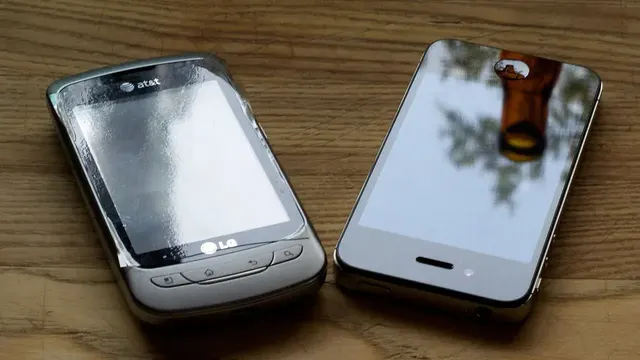
Kaizerus GFX vs GFX Tool: Which One Is Better?
An honest comparison of Kaizerus GFX and the classic GFX Tool for Android gaming. Compare settings depth, ease of use, updates, and which fits your phone and games.
Read Guide